
Google Review Cards: The Ultimate 2025 Guide
Introduction
In today’s fast-paced digital world, online reviews are more than just comments—they’re powerful tools that influence customer decisions. Among all review platforms, Google Reviews hold a dominant position because they appear directly in search results and on Google Maps.
That’s where Google Review Cards come in. These smart physical or digital cards make it incredibly easy for customers to leave reviews right after experiencing your service or product. In this comprehensive guide, we’ll explore what these cards are, why they’re important, how to create and use them effectively, and how to turn them into a marketing asset.
What Are Google Review Cards?
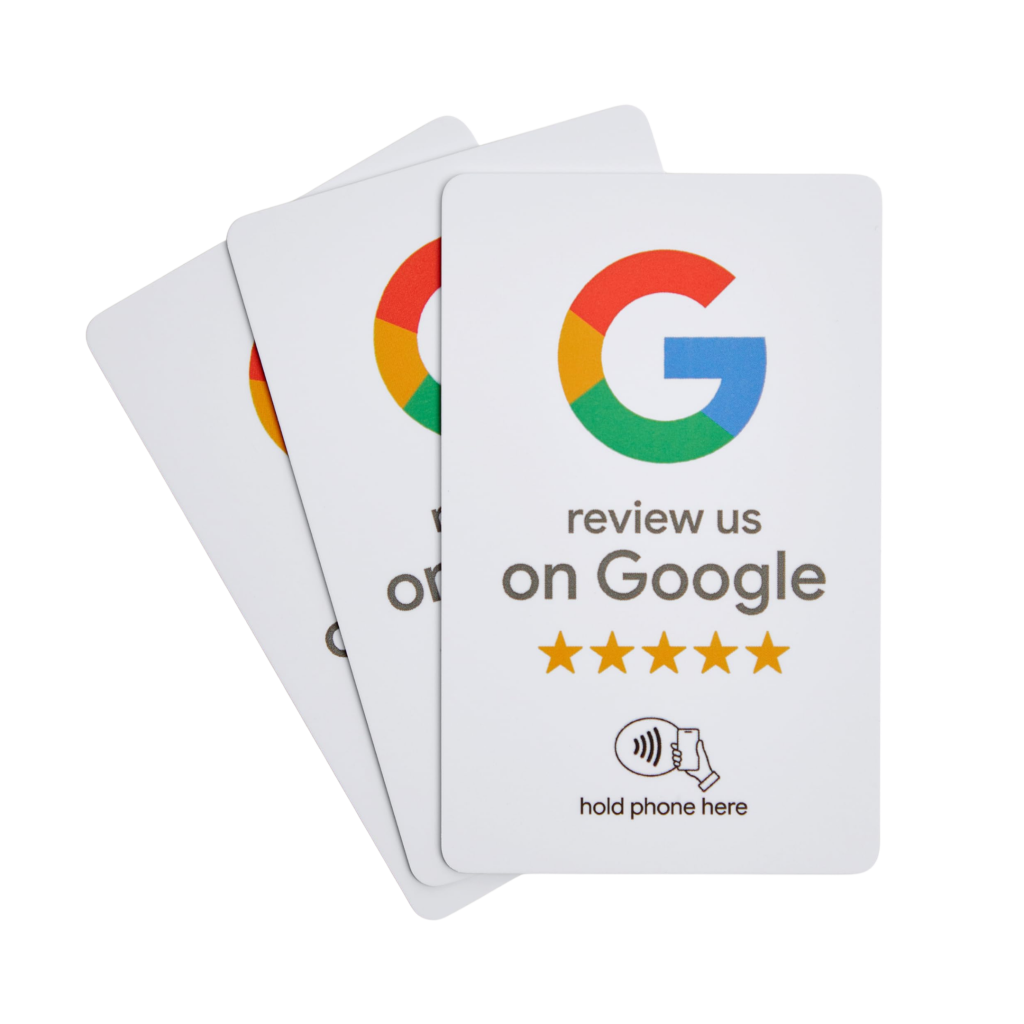
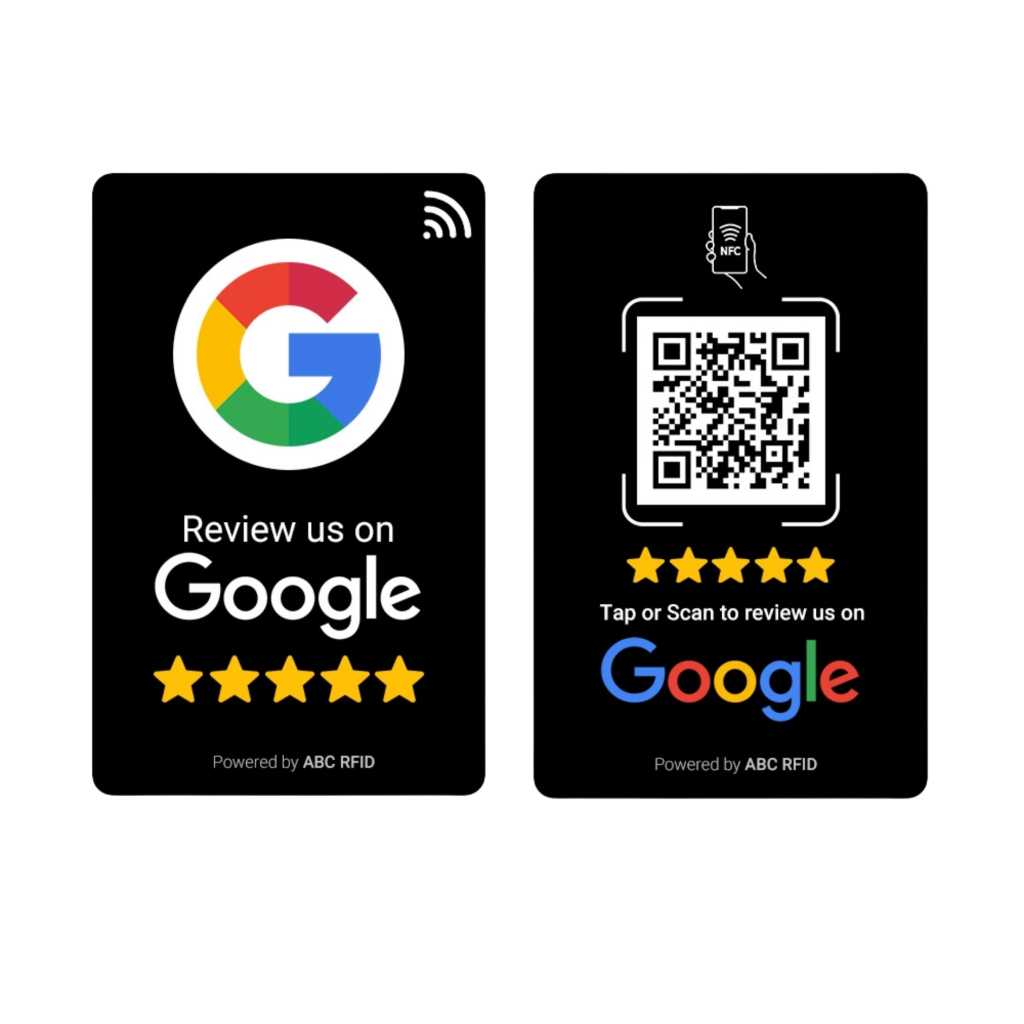
A Google Review Card is a physical (printed or plastic) or digital card that contains a direct way—like a link, QR code, or NFC chip—for customers to leave a review for your business on Google My Business. The main goal is to make it super easy and convenient for the customer to give feedback, especially while their experience is still fresh.
Why Are Google Reviews Important?
- Improve Your Search Visibility
More (and better) reviews boost your ranking on Google Maps and local search results. - Build Customer Trust
People trust authentic reviews more than advertisements. - Showcase Professionalism
Responding to reviews—both good and bad—demonstrates your commitment to customer satisfaction. - Increase Conversions
Positive reviews help convince potential clients to choose you.
How Do Google Review Cards Work?
- Card Design
Designed to reflect your brand with an attractive and simple layout. - Include Review Link
Direct link to your business’s Google review page is embedded. - QR Code or NFC Setup
The card includes a scannable QR code or an NFC chip for tap-and-go access. - Hand It to Customers
Cards are placed on tables, at counters, or handed to customers after service.
Benefits of Google Review Cards
Benefit | Details |
Ease of Use | One scan or tap and the customer is taken straight to the review page |
Boost Review Volume | Cards prompt more customers to leave reviews |
Smart Reminders | Acts as a visual cue after service |
Better Engagement | Increases communication between you and your audience |
No Apps Needed | Works directly via the customer’s browser |
Types of Google Review Cards
- NFC Review Cards
Customers tap the card with their phones to open the review link instantly. - QR Code Cards
Printed with a QR code that’s scanned using any phone camera. - Digital Review Cards
Sent by email or SMS after service with a direct review link. - Countertop Stand Cards
Displayed on reception desks, tables, or waiting areas.
How to Create a Professional Google Review Card
- Get Your Review Link
- Go to your Google Business Profile dashboard.
- Select “Home” from the menu.
- Find and copy the link under “Get more reviews.”
- Generate QR Code or Program NFC
- Use free tools like:
- QR Code Monkey
- QR Code Chimp
- For NFC, use apps like NFC Tools to write the URL onto the card.
- Design Your Card
Use Canva, Adobe Illustrator, or Photoshop. Make sure to include:
- Your logo and branding colors
- A friendly message: “We’d love your feedback! Leave us a review.”
- The QR code or NFC indicator
- Contact info (optional)
- Print or Order Cards
You can print cards yourself or use vendors like:
- SmartOptionSA
- TapTag
- Growseo
Real-Life Use Cases
- Restaurants & Cafés: Add review cards to dining tables or bills.
- Beauty Salons & Clinics: Hand them out after appointments.
- Hotels & Guesthouses: Place cards in guest rooms or at checkout.
- Retail & Craftsmen Services: Give one to every customer at point of sale.
Best Practices to Maximize Impact
Keep the design clean and appealing
Place cards where they’re easily seen
Use friendly language to request feedback
Follow up on reviews—respond professionally
Don’t ask for only “positive” reviews—ask for honest feedback
Don’t rely solely on the card—verbally remind customers
FAQ
Can I update the link later?
If you use a dynamic QR code service, yes. Static QR codes cannot be changed after printing.
Do I need a Google Business Profile?
Yes, and it must be verified to receive customer reviews.
Do customers need a Google account?
Yes, they need to be logged into a Google account to leave a review.
Pro Tip
Customers are much more likely to leave a review if the process is easy and direct. Google Review Cards are more than tools—they’re a bridge between a satisfied customer and your online reputation.
Start with a small batch, test the response, and scale up based on results. You might be surprised at how much a small card can impact your brand’s visibility and customer trust.
Final Thoughts
Whether you run a restaurant, salon, clinic, or e-commerce brand, Google Review Cards can become one of your most valuable marketing tools in 2025. They’re low-cost, easy to implement, and deliver high impact.